Is Roblox Safe for Kids? Parent Guide Insights
Roblox has become a global phenomenon, with millions of children logging in daily to create, play, and socialize. As a parent, you’re likely wondering: Is Roblox actually safe for my child? The answer isn’t simple—it depends on your child’s age, maturity level, and the safeguards you put in place. This comprehensive guide breaks down the real risks, features, and practical strategies to help your child enjoy Roblox responsibly.
Understanding Roblox safety requires looking beyond headlines. While the platform offers incredible creative opportunities and educational value, it also presents challenges like in-game purchases, online interactions, and exposure to user-generated content. By becoming informed and actively involved, you can help your child navigate this digital playground with confidence.
Table of Contents
- What Is Roblox and Why Do Kids Love It?
- Age Appropriateness and Safety Ratings
- Main Safety Risks Parents Should Know
- Roblox Parental Controls Explained
- Managing In-Game Purchases and Robux
- Online Interaction and Social Safety
- Healthy Screen Time and Gaming Habits
- Frequently Asked Questions
What Is Roblox and Why Do Kids Love It?
Roblox is a user-generated content platform where players create and share games using Roblox Studio. Unlike traditional games with fixed storylines, Roblox offers unlimited possibilities—from obstacle courses to role-playing games to simulation experiences. Kids can design their own worlds, collaborate with friends, and express creativity in ways that traditional gaming doesn’t allow.
The appeal is undeniable. Children ages 6-16 particularly love Roblox because it combines gaming, social interaction, and creative expression. They can customize avatars, build friendships, and earn Robux (the in-game currency) through gameplay. For many kids, Roblox represents a digital form of creative play similar to LEGO or Minecraft, but with a stronger social component.
This creative freedom is valuable for child development. According to research from the American Psychological Association, well-designed games can enhance problem-solving skills, creativity, and strategic thinking. However, the same features that make Roblox appealing also introduce safety considerations parents need to address.
Age Appropriateness and Safety Ratings
Roblox is rated 9+ on iOS and Android, and PEGI 7 in Europe. However, these ratings don’t tell the complete story. The platform hosts thousands of games created by users with varying content standards. Some games are genuinely appropriate for young children, while others contain violence, scares, or inappropriate language.
Recommended age guidelines:
- Under 8 years: Play only with parental supervision. Stick to official Roblox games and well-reviewed experiences. Enable maximum parental restrictions.
- 8-12 years: Can play with strong parental controls enabled. Regularly discuss which games they’re playing and who they’re talking to.
- 13+ years: More independence possible, but ongoing conversations about online safety remain essential. Review parental control settings periodically.
The Common Sense Media review provides detailed breakdowns of specific games and their content. Before allowing your child to play a new game, check if it’s been reviewed by parent communities.
Main Safety Risks Parents Should Know
Understanding potential risks helps you make informed decisions and have protective conversations with your child. Here are the primary concerns:
1. User-Generated Content Variability
Since anyone can create games on Roblox, quality and appropriateness vary wildly. Some user-created games contain violence, scary imagery, or mature themes. A game that appears innocent from the thumbnail might contain unexpected content. Roblox does moderate content, but with millions of games, gaps exist. Parent reviews and community feedback are valuable resources for vetting games before your child plays.
2. Online Interactions and Stranger Danger
Roblox is fundamentally a social platform. Children can chat, join groups, and play with strangers worldwide. While most players are kids like themselves, predators can also access the platform. The chat feature, while filtered, isn’t foolproof. Younger children may not recognize inappropriate behavior from adults. The National Stop Bullying Center notes that online gaming platforms are common sites for cyberbullying.
3. In-Game Purchases and Robux Spending
Robux can be purchased with real money, and children can spend them quickly without understanding true value. Many games encourage cosmetic purchases (skins, accessories, pets) that don’t affect gameplay but create peer pressure. Kids may feel excluded if they can’t afford premium items, or they may rack up unexpected charges.
4. Addiction and Screen Time
Roblox’s design encourages prolonged play sessions. Games feature progress systems, daily rewards, and social incentives that keep players coming back. Children with impulse control difficulties or those seeking escape may struggle with excessive gaming. The platform’s engaging nature makes establishing healthy screen time boundaries particularly important.
5. Data Privacy and Information Collection
Roblox collects user data including location, device information, and gameplay behavior. While the company states they comply with COPPA (Children’s Online Privacy Protection Act) and similar regulations, parents should understand what data is being collected and how it’s used.
Roblox Parental Controls Explained
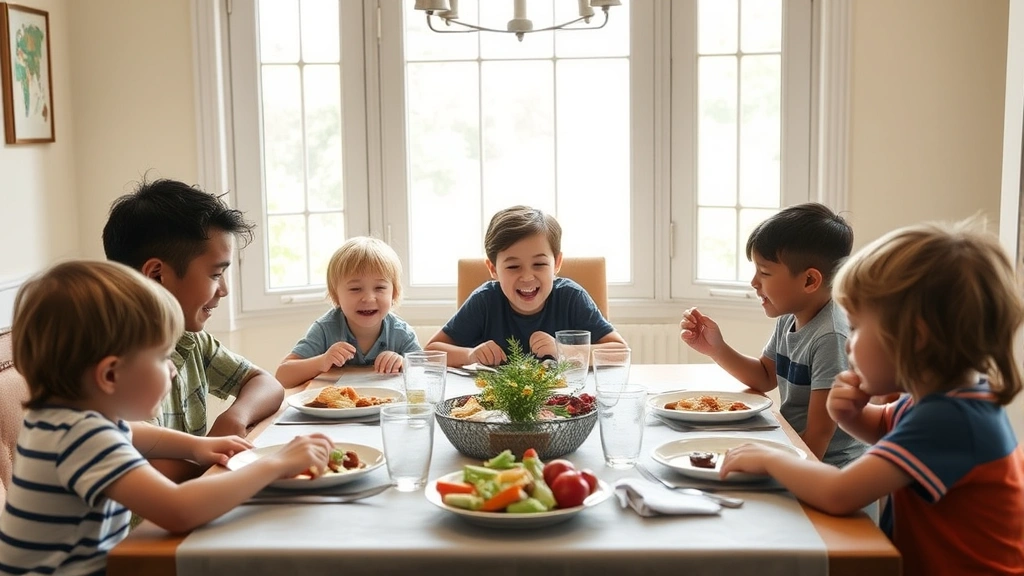
Roblox offers robust parental control features, but they’re only effective if properly configured. Here’s how to set them up:
Step-by-Step Setup:
- Log into your child’s account (or create one if new)
- Click the gear icon (Settings) in the top-right corner
- Select “Account Settings”
- Navigate to “Parental Controls”
- Click “Enable Parental PIN” and create a 4-digit PIN you control
- Configure the following restrictions:
Chat Settings: Set to “No Chat” for children under 9. For ages 9-12, choose “Friends Only.” This prevents contact with strangers while allowing communication with known friends.
Game Restrictions: You can restrict games by content rating. Select the appropriate age range for your child. This filters which games appear in search results and recommendations.
Trade Settings: Disable trading for younger children. Trading can lead to scams where experienced players manipulate less-savvy kids into unfavorable exchanges.
Private Messages: Restrict to friends only, or disable entirely for younger children. This reduces exposure to inappropriate contact.
Spending Restrictions: This is crucial. You can set monthly spending limits or require PIN entry for any purchase. Consider starting with “No Spending Allowed” and gradually increasing privileges as your child demonstrates responsibility.
Important Note: Parental controls require a PIN to change. Keep this PIN private and don’t share it with your child, as they might disable protections without your knowledge.
Managing In-Game Purchases and Robux
One of the most common parent concerns involves unexpected charges. Here’s how to stay in control:
Understanding Robux: Robux is Roblox’s virtual currency. One Robux equals roughly $0.01 USD. Packages range from $4.99 (400 Robux) to $99.99 (10,000 Robux). Games offer cosmetic items, game passes (unlocking features), and exclusive access—all purchasable with Robux.
Prevention Strategies:
- Disable purchases entirely for children under 10. Use the parental controls “No Spending Allowed” setting.
- Set monthly limits for older children. A reasonable amount might be $5-15 monthly, depending on your values and income.
- Require PIN verification for any purchase. Even with this enabled, periodically review purchase history.
- Explain real money value. Help your child understand that Robux represents actual money. Discuss why certain purchases are worth it and others aren’t.
- Use gift cards rather than credit cards. This creates natural spending limits and teaches budgeting.
- Monitor account activity. Check purchase history monthly (available in account settings) to spot any unauthorized charges.
If unauthorized charges occur, Roblox customer support can sometimes reverse them, especially for first-time incidents involving young children.
Online Interaction and Social Safety
Social interaction is central to Roblox, which means teaching your child healthy online behavior is essential. Teaching children about healthy relationships extends into the digital realm.
Conversations to Have:
- “Never share personal information.” Name, address, school, phone number, email—none of this should be shared with other players, ever. Explain that people online might not be who they claim to be.
- “Tell me if someone makes you uncomfortable.” Create a judgment-free zone where your child feels safe reporting inappropriate interactions, scams, or bullying without fear of losing gaming privileges.
- “Be kind to other players.” Discuss how words hurt online just like in person. Roblox can be a place to practice empathy and kindness.
- “Recognize and report scams.” Teach your child that no one can “give free Robux” or “hack accounts” legitimately. Scammers use these promises to steal information or accounts.
- “Password protection matters.” Use a strong, unique password. Don’t share it with friends, even close ones. Explain that account security protects their creations and spending.
Recognizing Red Flags:
Watch for these warning signs that your child may be experiencing problems on Roblox:
- Sudden mood changes after gaming sessions
- Reluctance to discuss what they’re playing
- Requests for money or gift cards increasing in frequency
- Withdrawal from offline activities and friends
- Sleep disruption or academic decline
- Signs of anxiety or stress related to gaming
If you notice these patterns, have a calm conversation. Avoid punishment-based approaches, which often drive behavior underground. Instead, express concern and work together on solutions.
Healthy Screen Time and Gaming Habits
Even on a safe platform, excessive screen time affects child development. The American Academy of Pediatrics recommends consistent limits based on age.
Recommended Screen Time Limits:
- Ages 6 and under: High-quality programming only, with co-viewing. Roblox is generally not recommended for this age group.
- Ages 6-12: 1-2 hours daily of quality content. This might include 30-45 minutes of Roblox several times weekly.
- Ages 13+: Consistent limits ensuring screen time doesn’t interfere with sleep, schoolwork, or physical activity.
Creating Healthy Gaming Habits:
- Establish screen-free times: No gaming during meals, before homework, or after 8 PM (adjust based on sleep needs).
- Use parental control apps: Tools like Apple Screen Time, Google Family Link, or third-party software enforce time limits automatically.
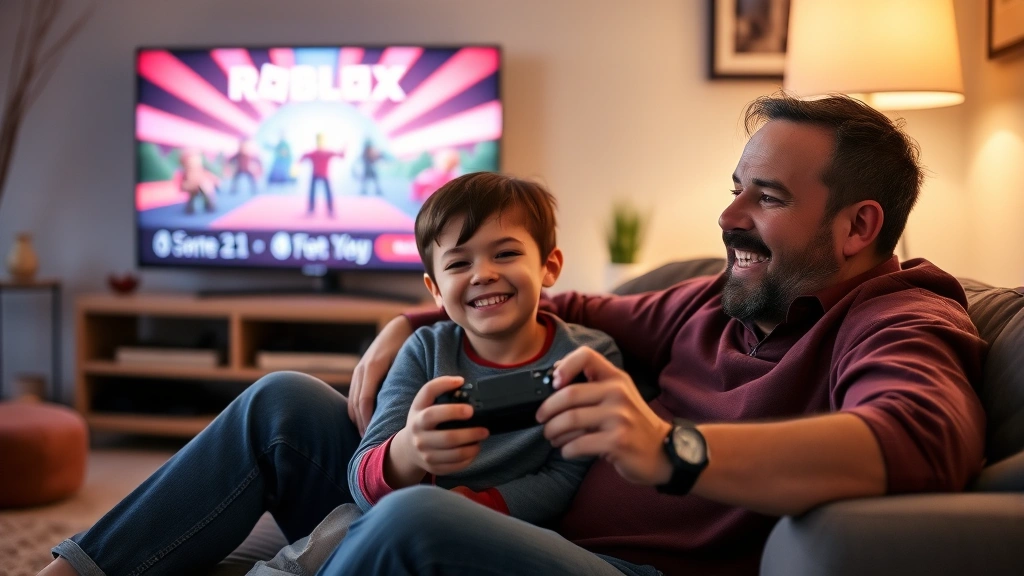
- Play together sometimes: Join your child in Roblox occasionally. You’ll understand what they enjoy and model balanced gaming.
- Encourage offline activities: Ensure gaming doesn’t crowd out physical play, sports, reading, or face-to-face friendships.
- Create gaming schedules: Let your child know when they can play. Predictability reduces conflicts and helps them plan their time.
Remember that effective parenting advice emphasizes balance. Gaming isn’t inherently bad—it’s about ensuring it fits into a healthy, well-rounded childhood.
Frequently Asked Questions
What does “Roblox pill baby” mean?
“Roblox pill baby” isn’t official Roblox terminology. It may refer to young children new to Roblox or refer to in-game items/cosmetics with pill-like appearances in certain games. If you’ve encountered this term in context of your child’s gaming, it’s worth asking them what it means in their gaming community. Most such slang is harmless, but staying informed about your child’s gaming vocabulary helps you understand their digital world.
Can I monitor my child’s Roblox activity?
Yes. You can view purchase history, friends lists, and played games through account settings. However, Roblox doesn’t provide detailed chat logs or in-game activity monitoring. The best approach combines parental controls with open communication—regularly asking your child about their games, friends, and experiences.
Is Roblox free to play?
Yes, Roblox is free to download and play. Most games are free to access. However, cosmetic purchases and game passes (which unlock features) cost Robux. Your child can enjoy Roblox fully without spending money—purchases are entirely optional.
How old should a child be to play Roblox?
The official rating is 9+, but maturity matters more than age. Some 7-year-olds can handle it with strong parental controls and supervision. Others at 10 aren’t ready. Consider your child’s ability to follow rules, recognize inappropriate content, and interact respectfully with others.
What if my child has been scammed or bullied?
Report the incident to Roblox through the in-game reporting system or their website. Document screenshots of interactions. If bullying is severe or involves threats, consider reporting to law enforcement. Most importantly, support your child emotionally and reassure them it’s not their fault.
Can Roblox be educational?
Absolutely. Many educational games exist on Roblox teaching coding, math, history, and science. The creative aspect—building games in Roblox Studio—teaches programming fundamentals. For interested kids, Roblox can be a gateway to computer science and game design careers.
Should I let my child make Roblox friends?
With proper safeguards, yes. Friendships in Roblox can be healthy and supportive. However, use the “Friends Only” chat setting to limit contact to people your child knows offline or has been friends with for a long time. Before adding someone new, discuss who they are and why your child trusts them.
Final Thoughts
Roblox isn’t inherently unsafe—but like any online platform, it requires parental awareness and active involvement. The platform offers genuine creative and social benefits for children, from developing problem-solving skills to building friendships with peers worldwide.
Your role as a parent is to establish guardrails, have ongoing conversations, and model healthy digital citizenship. Use the parental controls available, set spending limits, discuss online safety regularly, and maintain open communication about your child’s gaming life. When you’re informed and engaged, your child can enjoy Roblox while staying protected.
Start with the most restrictive settings and gradually adjust as your child demonstrates responsibility and maturity. This approach teaches digital literacy while keeping them safe during their online journey.